Who it is for
Small teams whose day fills up with repeat admin: chasing leads, answering the same questions and updating records.
Home / Capabilities / Automation & AI Integrations
Capability 06
For small teams losing hours to copy-and-paste. Leads to find, questions to answer, follow-ups to send, records to update: we connect your tools with n8n, Make, Zapier and AI, so that work runs on its own and lands in your customer records.
Small teams whose day fills up with repeat admin: chasing leads, answering the same questions and updating records.
Work that falls between tools depends on someone remembering it. When things get busy, follow-ups are the first thing to slip.
Working automations in your own accounts, with written notes, error alerts and a walkthrough for your team.
What we build
Find, research, score and follow up with potential customers automatically.
Website, chat and voice agents that answer, book and pass people to a human.
Review requests and win-back campaigns that run in the background.
Notion + AI workspaces, automated onboarding and meeting follow-ups.
Research on prospects, blog drafts and scheduled social content.
If two systems offer a way in for other software, we can usually make them talk.
Sample architecture
The diagram, step by step
A lead is someone who might become a customer. Picture a sample roofing company, and a homeowner asking for a quote through its website. Press the buttons above to run the sample workflow and watch the lead record fill in.
Sales pipeline
Find, research, score and follow up with potential customers automatically.
16 notify your team26 stay in follow-up
How to read this chart
Each dot is a made-up lead. Further right means a higher score. The slider sets the minimum score your team wants to see.
The automation suite
Each card opens a page showing how that system works, step by step.
A system that finds, researches and contacts your best-fit prospects on a schedule.
Qualify every inbound lead automatically and route the good ones straight to your team.
A website agent that answers questions, qualifies visitors and books appointments.
Instant answers to routine questions, with clean escalation for the rest.
Agents that plan, draft and schedule platform-specific content in your brand voice.
Ask satisfied customers for reviews automatically, at the right moment.
Wake up the old leads already sitting in your database.
A Notion workspace connected to AI and automation that updates and acts for you.
Structured reports on a company or prospect, built from public sources.
An AI blog generator with an admin dashboard you own, plus scheduled content workflows.
Process
We look at your operation and find the repeat work worth automating.
We build workflows and AI steps around your tools and your rules.
We deploy it, watch how it runs and adjust it until it runs without babysitting.
The stack
We pick for your system. These are what we work with most in this area.
You do not need to know these names. In plain terms: n8n, Make and Zapier run the steps, Notion holds records and notes, Python handles custom logic, Apollo, Apify and Perplexity gather research, RelevanceAI, OpenAI and Anthropic supply the AI, and AWS and GCP are cloud hosts.
Deliverables
Related work
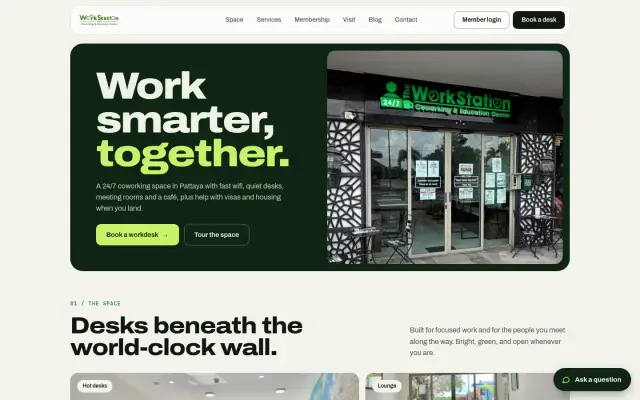
Automatic onboarding for a 24/7 Pattaya coworking space: a payment or receipt photo goes in, and a member ID and door pass come out by email.
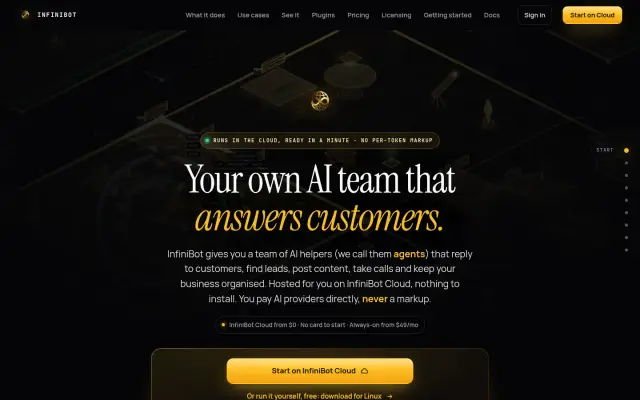
An AI operating system for a business: one always-on hub connecting 18 chat channels, background helpers, shared memory and 46 plugins, hosted privately or on your own computer.
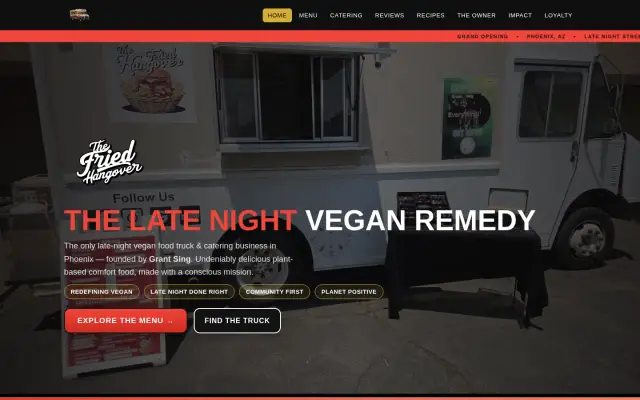
Three disconnected codebases merged into one live platform for a Phoenix vegan food truck: online orders, a music and goods shop, loyalty, reviews and one safe checkout.
FAQ
Start with work that repeats, follows rules and already lives in software: lead intake, follow-ups, updating customer records, onboarding and meeting tasks.
No. We build and deploy it. You use the tools you already have.
Notion is our most common build, and we can connect to any CRM that offers an API or webhook, the standard ways for software to talk to other software.
It depends on tools and volume. We estimate running costs during scoping, so you see them before you commit.
Answer a few questions and send them to us. We will tell you what we would build, and what you do not need.