Kingly IntelligenceSystems Start a project

Home / Work / InfiniBot

AI software

One gateway for agents, channels, memory and plugins, hosted privately or run on your own hardware.

An AI operating system for a business: one always-on hub connecting 18 chat channels, background helpers, shared memory and 46 plugins, hosted privately or on your own computer.

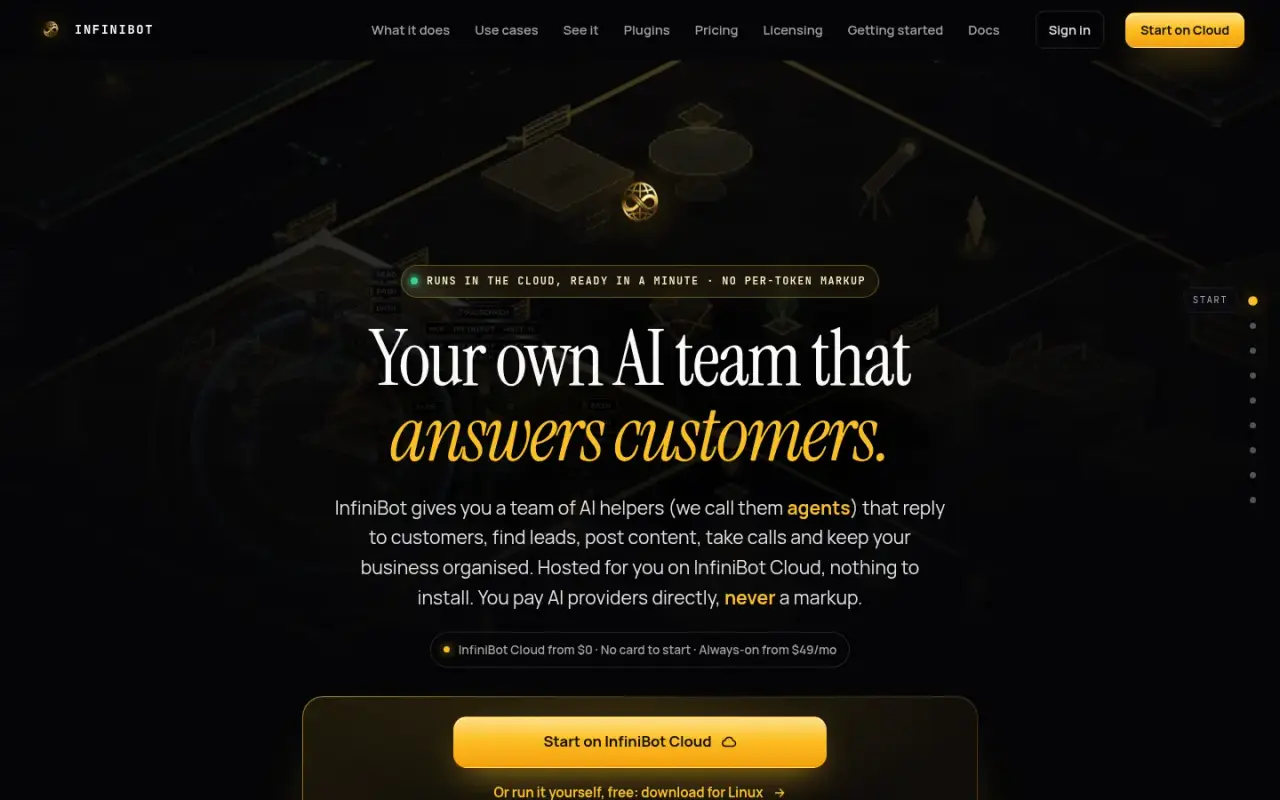
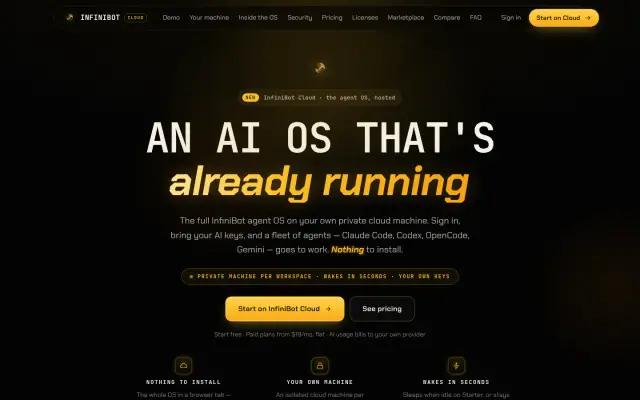
InfiniBot home page hero
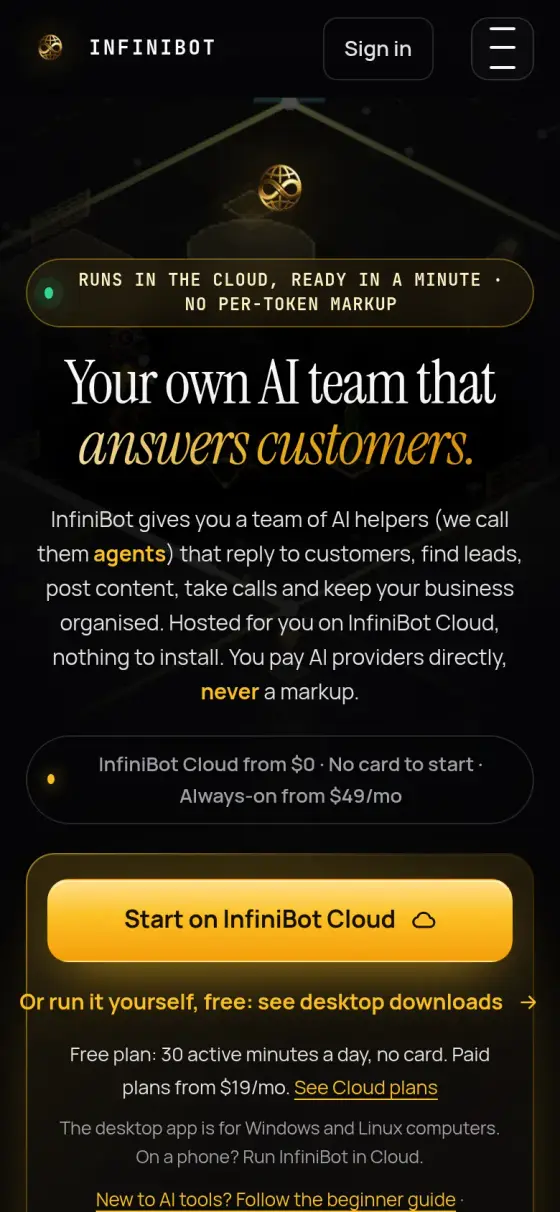
InfiniBot home page on a phone
InfiniBot
Who it is for
Business owners who want AI to do real work across their channels, on their own computer or a private hosted machine.
The problem
Most businesses end up with separate AI tools that share no memory or projects, and nothing keeps running once the laptop closes.
What they get
One system that answers on the channels people already use, runs helpers in the background, remembers the work, and can keep sensitive chats away from outside AI companies.
46Plugins in the repository
18Chat channels it can connect to
1,280Built-in gateway actions, across 109 groups
1,922Automated test files
16Plugins in the public catalogue

The challenge

Most businesses that adopt AI end up with a pile of separate tools: a chat tab here, a coding assistant there, a bot on one channel, keys pasted into config files on each machine. None of them share memory or projects, and nothing keeps running once the laptop closes.

We wanted one system that an owner could actually run a business from. It had to answer on the channels people already use, run several agents at once in the background, remember the work, and give the owner a real choice about where it runs: on their own computer, or on a private hosted machine. It also had to let an owner keep sensitive conversations away from third-party models.

The system

InfiniBot is built around one long-running process, the gateway. Everything else connects to it.

Gateway. An always-on program that holds conversations, routes messages and lets every app ask it to do things. Its built-in list names 1,280 actions, called RPC methods, across 109 groups, covering agents, projects, files, kanban, memory, voice, federation and more. Plugins add their own on top.

Channels. Telegram, WhatsApp, Discord, Slack, Signal, iMessage, Google Chat, Microsoft Teams, Matrix and others connect through channel plugins, 18 in total. A message from any of them reaches the same agents as a message typed in the app.

Agents. The gateway runs AI agents with backup models, sealed-off workspaces and rules for which tools they may use. It also runs official command-line coding tools (Claude Code, Codex, OpenCode, Gemini, Grok) as background workers. Sub-agents are tracked in a registry, and a verification layer checks finished work rather than trusting an agent's own report.

Memory. Project and session content is stored in a searchable database, so an agent can find it by meaning or by keyword. The search fingerprints can come from OpenAI, Gemini or a local model. A LanceDB memory plugin is available as an alternative, and a knowledge graph links people, projects, files and reports.

Plugins. 46 plugins live in the repository, each described by a manifest that declares what it contributes and what it may access. A plugin can add pages, tools, RPC methods, agents, cron jobs and providers. The public catalogue lists 16.

Surfaces. A web control screen, a desktop app for Windows and Linux, and a mobile companion app all talk to the same gateway.

Cloud. InfiniBot Cloud runs the same gateway per customer. A separate control system gives each customer (tenant) its own Fly.io app, storage volume and Machine, then wakes and suspends that Machine as the workspace is used.

Outcomes

  • 46 plugins in the repository, of which 18 are channel integrations
  • 1,280 built-in gateway actions across 109 groups
  • 1,922 test files tracked in the repository
  • 16 plugins in the public catalogue
  • Live public product with a hosted cloud and a desktop app for Windows and Linux

The code counts are a snapshot of the release repository on 2026-10-30.

Step by step

How InfiniBot works, step by step

This follows one customer message, from a chat app to a finished piece of work. In this walkthrough, the owner is on the hosted version or running it at home. The path inside is the same.

  1. A message arrives

    What happens
    A message comes in from one of 18 channel integrations, such as WhatsApp, Telegram or Slack, or from the web, desktop or mobile app.
    Who or what does it
    The person writing, and a channel plugin that connects that app.
    Why it matters
    Customers and staff stay on apps they already use, and every message reaches the same agents.
  2. On hosted plans, it finds your private machine

    What happens
    The fleet orchestrator checks the sign-in and finds that customer's own Machine. If the Machine is asleep, it is woken.
    Who or what does it
    InfiniBot Cloud's control system.
    Why it matters
    Each hosted workspace has its own app, storage and Machine, so one customer's work is kept apart from another's.
  3. The gateway routes it

    What happens
    The gateway is one always-on program that holds conversations and decides which agent should handle the message.
    Who or what does it
    The gateway.
    Why it matters
    There is a single front desk, so conversations do not get lost between tools.
  4. The agent checks its memory

    What happens
    The agent searches what the business has stored, including projects, past sessions and a knowledge graph linking people, projects, files and reports.
    Who or what does it
    The agent, using the memory system.
    Why it matters
    It does not start from zero each time, so you repeat yourself less.
  5. Sensitive chats stay local

    What happens
    If a session is in Secure Mode, only local models and an approved local tool list are allowed. Anything not on the list is refused.
    Who or what does it
    Secure Mode checks.
    Why it matters
    An owner can keep private conversations away from third-party models.
  6. The work gets done

    What happens
    The agent uses approved tools and may hand a task to a helper agent or a coding tool, such as Claude Code or Codex, running in the background. Tool rules, approvals and sandboxes control what can run.
    Who or what does it
    The agent and its background workers.
    Why it matters
    Several jobs can run at once while the owner does something else.
  7. Finished work is checked

    What happens
    A verification layer looks at finished work and does not simply trust an agent's own report.
    Who or what does it
    InfiniBot's verification layer.
    Why it matters
    A claim of "done" is checked before anyone relies on it.

Architecture

How the system fits together

01 / 07 Where messages come from

  • Channels18 connections, including WhatsApp, Telegram and Slack.→ Gateway · messages
  • Web, desktop and mobile clientsThe apps you use on web, desktop and phone.→ Fleet orchestrator · hosted sign-in → Gateway · RPC

02 / 07 Hosted version only

  • Fleet orchestratorSigns you in, then finds and wakes your private Machine.→ Gateway · resolves private machine

03 / 07 The always-on hub

  • GatewayHolds conversations and routes the work.→ Agent runtime · routes work
  • Agent runtimeAI helpers, with backup models and safety limits.→ Coding CLIs · delegates → Memory and knowledge graph · reads and writes → Secure Mode · sensitive sessions
  • Plugins46 add-ons that give the hub new abilities.→ Gateway · extends

04 / 07 Background helpers

  • Coding CLIsClaude Code, Codex, OpenCode, Gemini and Grok.

05 / 07 Long-term memory

  • Memory and knowledge graphFinds past work by meaning or keyword.

06 / 07 Privacy controls

  • Secure ModeLimits sensitive chats to local models and tools.

07 / 07 AI models

  • Model providersYour keys, your subscriptions or local models.
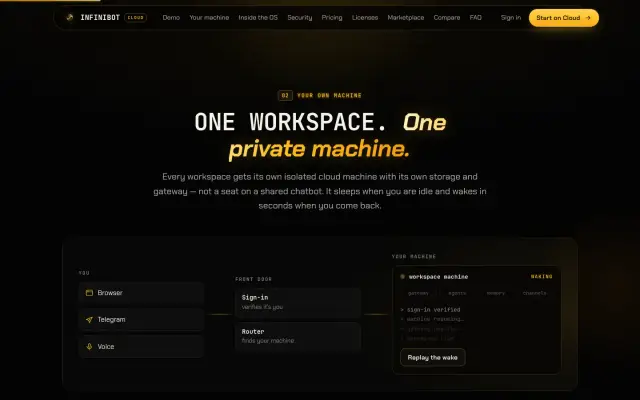
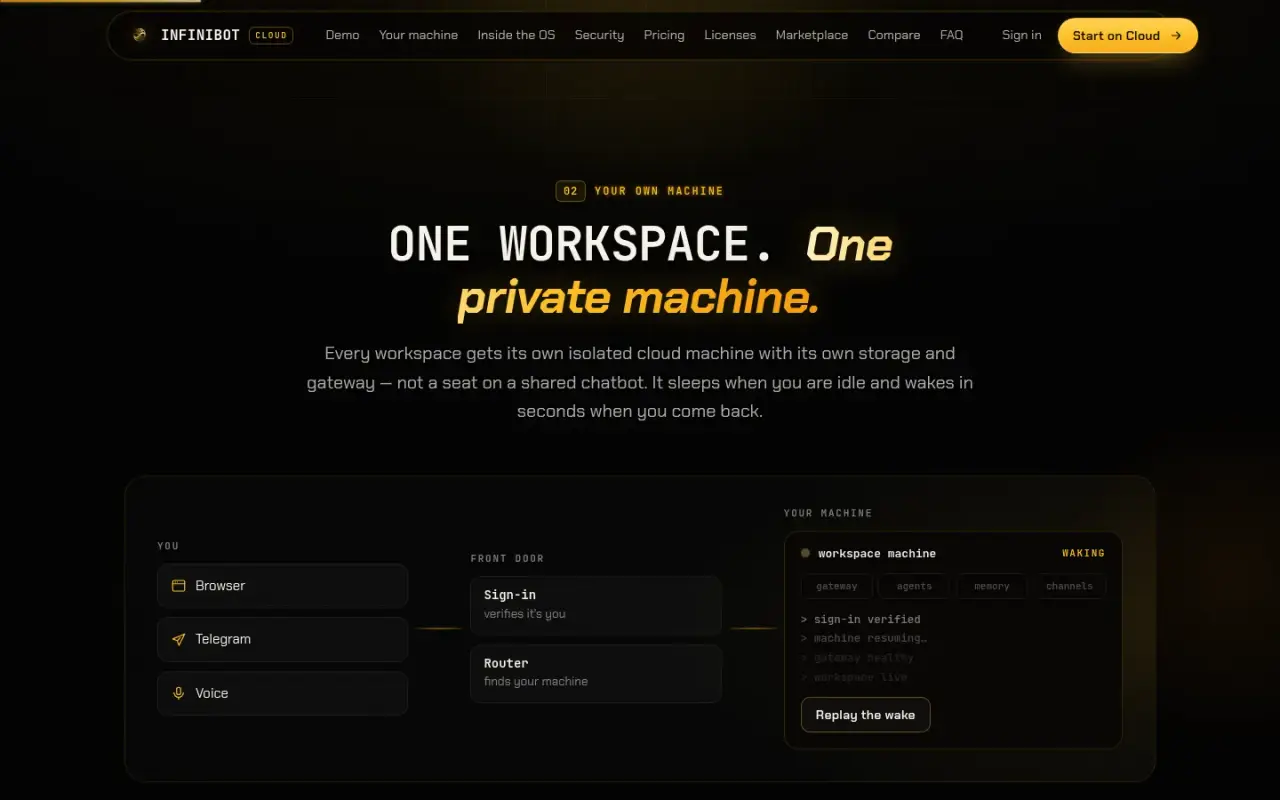
Each workspace gets its own machine, storage and gateway.

Key features

  • Chat and voice with agents, on the app and on external channels
  • Parallel background agents and official coding CLIs
  • Bring-your-own keys, or sign in with an existing AI subscription through the provider's official CLI
  • Local models that run on your own hardware, through Ollama or vLLM
  • Secure Mode: sensitive sessions restricted to local models and a local-only tool allowlist
  • Projects, kanban, files with OCR, reports and a knowledge graph
  • Scheduled jobs and workflows
  • Plugin marketplace
  • Federation across a user's own devices
  • Guided first-run setup in 8 steps
  • Optional multi-user workspaces with per-workspace access

Delivery

We started the repository in January 2026 and imported the open-source Moltbot (formerly Clawdbot) source tree in February 2026. That code is MIT licensed, and the upstream notice and credits are kept in the repository. From that base we built the product now called InfiniBot, over 2,923 commits to date. Releases use date-based version numbers, and the public download page lists desktop release 2026.10.32, dated 2026-10-29.

Development ran on branches and worktrees alongside a live deployment, with targeted tests per area. The repository tracks 1,922 test files.

Security & infrastructure

  • Tenant isolation. Each hosted workspace gets its own app, volume and Machine. Orchestrator tests assert that tenants receive separate apps and Machines, and that a missing or invalid sign-in token causes no provisioning.
  • Authentication. Hosted sign-in uses Clerk. Multi-user workspaces support authenticator-app codes, and non-owner requests are denied unless a rule allows them.
  • Secrets. Each customer's secrets are locked with keys tied to that customer and purpose, so a key copied to another customer will not open.
  • Secure Mode. Model and tool checks are allowlists that fail closed. A model counts as local by where it is actually served from, not by its provider name.
  • Execution. Tool policy, exec approvals and Docker sandboxing control what agents can run.
  • Private networking. Remote access can run over Tailscale.
  • Audit. Security audit tooling and an access audit log are built in.
  • Hosting. Fly.io for tenant Machines, Netlify for public sites, Docker for packaging, Neon Postgres for the fleet registry.

Limits

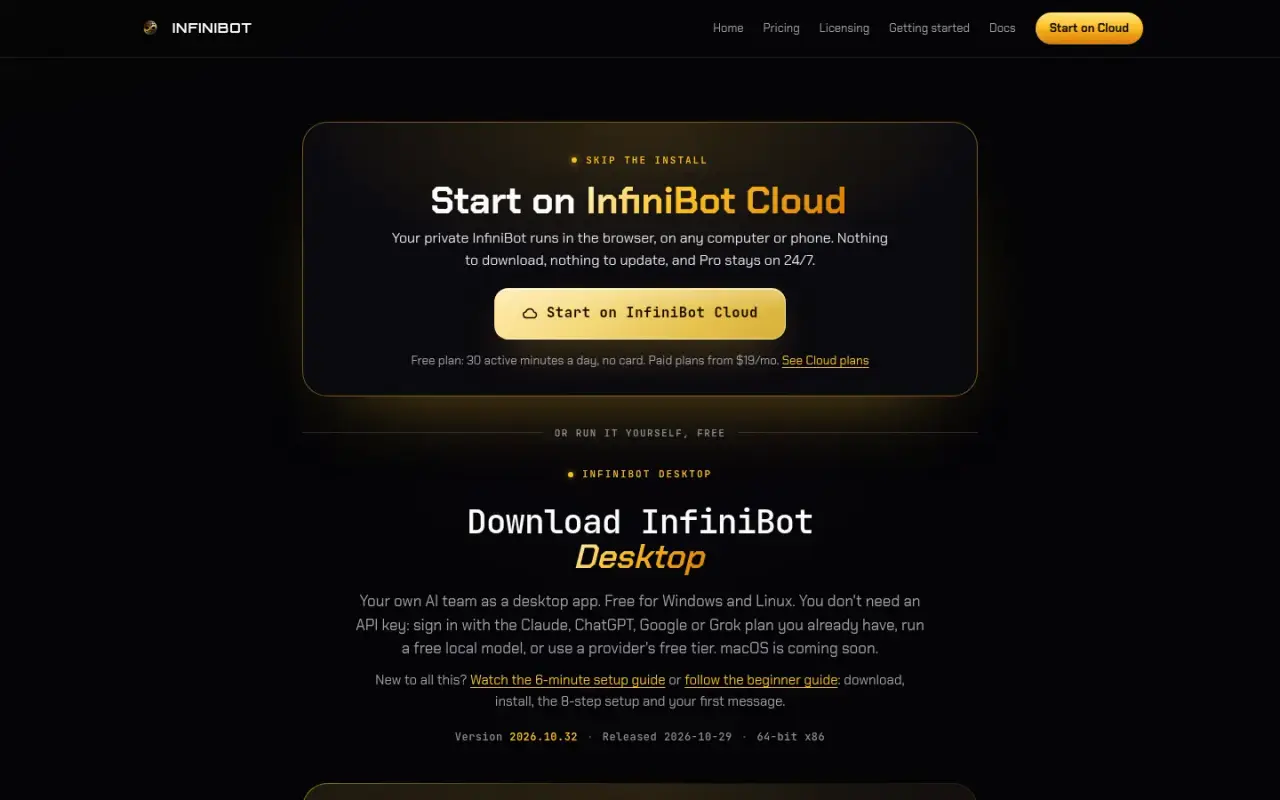
  • The desktop app runs on Windows and Linux. macOS is listed as coming soon.
  • Windows builds are not code-signed yet, so Windows shows a warning on first install.
  • The upstream code is MIT licensed. InfiniBot's own code is under FSL-1.1-ALv2, and the hosted fleet control plane is proprietary.
Built with

The tools behind it

For technical readers, here is what it runs on. Tap a name to highlight it. The words explained below appear across this page.

What these words mean

Gateway
The one always-on program everything connects to.
Agent
An AI helper that can take steps and use tools, not just chat.
RPC method
One named action a program can ask the gateway to do.
Plugin
An add-on that gives InfiniBot new pages, tools or channels.
Vector search
Finding notes by meaning, not just exact words.
Tenant
One customer's separate space on a shared service.
Repository
The stored, versioned code of a project.
Federation
Linking your own computers so they act as one system.

Screens

The real thing

InfiniBot home page hero
The InfiniBot public site.
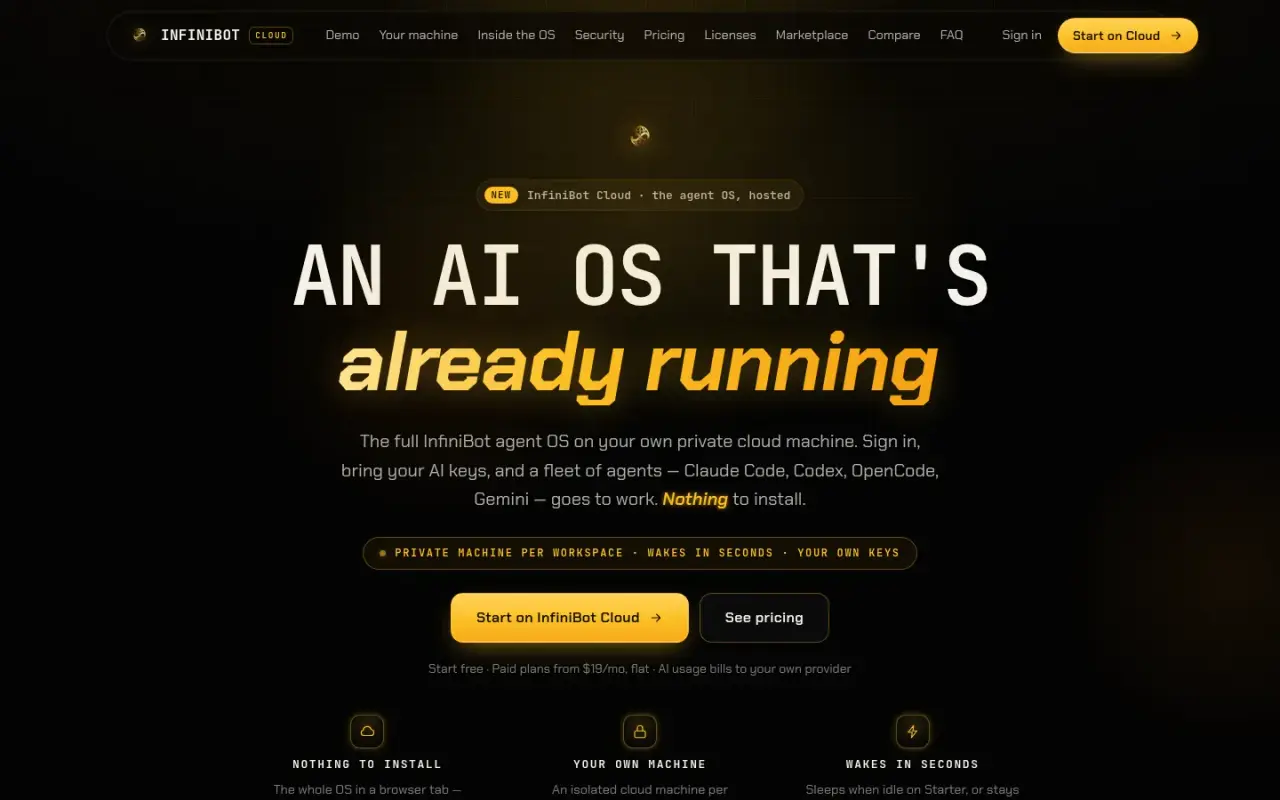
InfiniBot Cloud landing page
InfiniBot Cloud, the hosted version of the system.
Diagram of a request reaching a private workspace machine
Each workspace gets its own machine, storage and gateway.
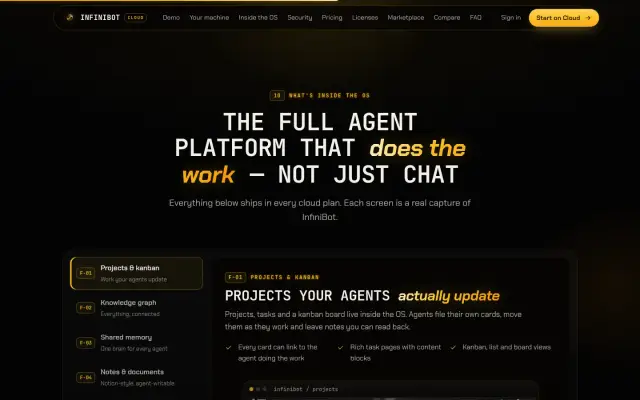
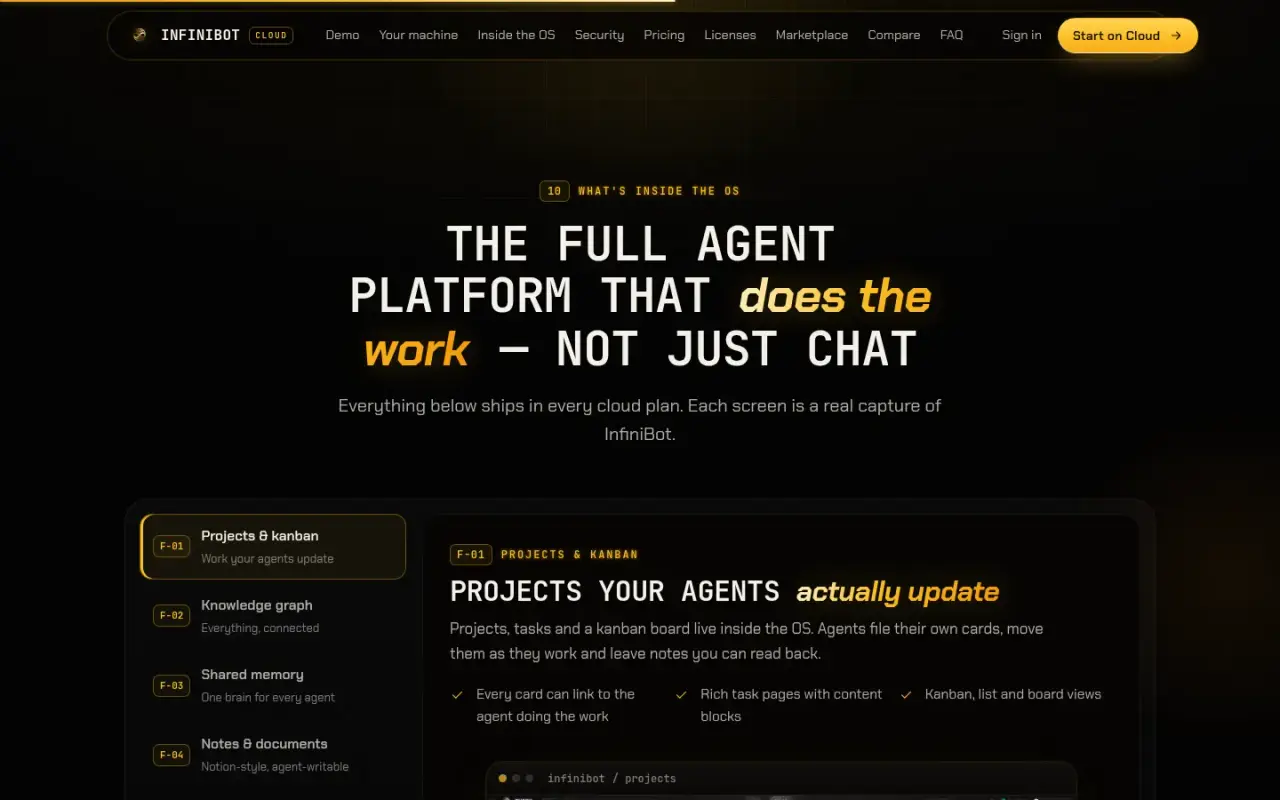
Overview of features inside InfiniBot
Projects, knowledge graph, shared memory and documents in one system.
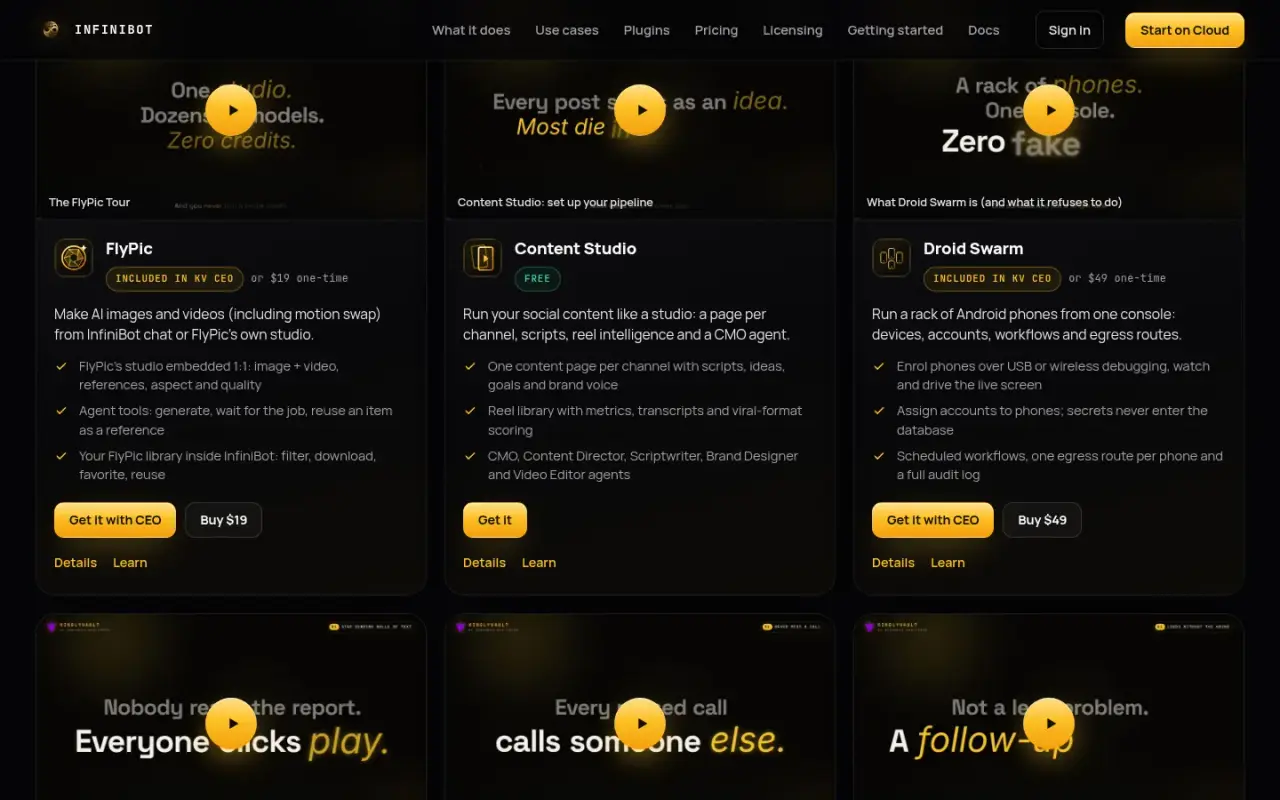
Public plugin catalogue cards
The public plugin catalogue.
InfiniBot desktop download page
The desktop download page for Windows and Linux.
InfiniBot home page on a phone
The same page on a phone.
100%

Tell us what your business needs to run on.

Answer a few questions and send them to us. We will tell you what we would build, and what you do not need.