Who it is for
Businesses with several sites, equipment in other locations, or AI work that has to stay on their own hardware.
Home / Capabilities / Networking & Infrastructure
Capability 05
For businesses with more than one site, remote equipment or AI they want to keep in-house. Your systems should be reachable by you and nobody else, so we connect them privately and host them where they fit best.
Businesses with several sites, equipment in other locations, or AI work that has to stay on their own hardware.
Reaching a remote site often means opening it to the internet, and every opening is something outsiders can find and try.
A private network, servers or cloud hosting set up and documented, with health checks, recovery steps and a guide for running it.
What we build
Private Tailscale networks connect people, devices and servers without opening ports (doors) to the internet.
Graphics-card (GPU) machines running speech and language AI on site, so data stays in the building and replies do not wait on a distant server.
Docker packs software into sealed bundles that can be rebuilt and moved reliably.
Fly.io machines for each customer workspace, and Netlify for websites and small server functions.
Diagnose, update and maintain systems in another country without exposing the site’s network.
Health checks, watchdogs (programs that spot a stuck service) and ways to undo a bad update, so failures are noticed and reversible.
Sample architecture
Devices reach the GPU server over the site network. Support connects privately.
The diagram, step by step
Picture a sample visitor attraction with kiosks and staff tablets. Each dot in the diagram is a part of its setup. The switches above let you turn parts off, and the sentence under the diagram explains what happens next. It is a simulation, not a real network.
Turn off the “Internet link” switch to see the idea behind on-site hosting: the site keeps working on its own server while the outside connection is down. We settle what must keep working offline during the survey.
Zero-trust networking
Private Tailscale networks connect people, devices and servers without opening ports (doors) to the internet.
Outside scan
0ports answering
Devices connect to each other over the mesh. A scan from the internet gets no reply.
How to read this demo
Each square stands for a port, which is a numbered door a computer can answer on. The moving highlight is an outside scan, like the automated tools that sweep the internet. The numbers are illustrative, not a measurement of a real network.
Process
We list your sites, devices and connections, and what must keep working if the internet does not.
We decide the network layout, who can reach what, and what runs on site versus in the cloud.
We install the servers, software packages and private networking, and write it all down.
We put monitoring, recovery steps and remote support in place before we step back.
The stack
We pick for your system. These are what we work with most in this area.
You do not need to know these names. In plain terms: Tailscale and Cloudflare Tunnel make private connections, Docker packages software, nginx directs web traffic, Linux runs the servers, Ollama and LiveKit run local AI and live voice, Fly.io and Netlify are cloud hosts, and a Raspberry Pi is a small low-cost computer.
Deliverables
Related work

Giant robot characters that hear, see and answer guests in four languages, with safe controls for movement and one screen to run the park.
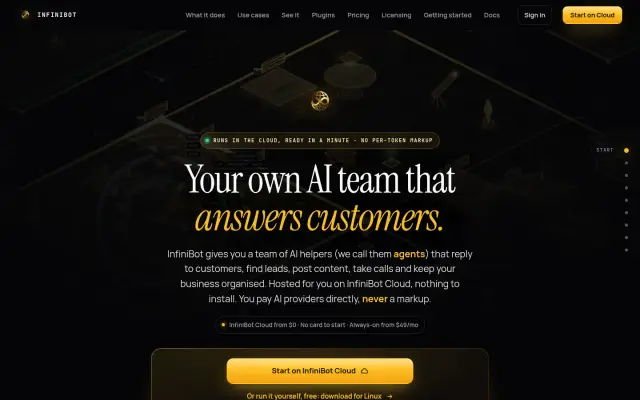
An AI operating system for a business: one always-on hub connecting 18 chat channels, background helpers, shared memory and 46 plugins, hosted privately or on your own computer.
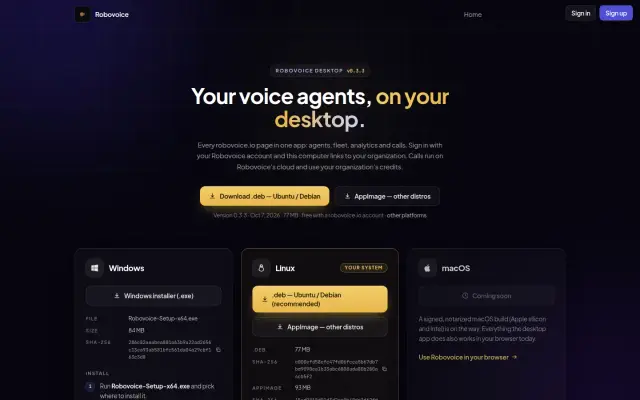
A voice agent platform where speech recognition, the AI model and the voice can each run in the cloud or on your own hardware, with a desktop app for local calls.
FAQ
A network where each device proves who it is before it can reach anything, instead of trusting everything inside an office. We use Tailscale so devices connect privately without public ports.
It depends on speed, privacy and cost. RoboPark runs almost everything on one computer at the park because every network hop adds delay. Lighter workloads usually fit the cloud better.
Tell us what your site needs and we will scope it. Our focus is the private network, servers and software layer.
Yes. We maintain production systems in another country remotely, over private networking, without opening the site network to the internet.
Answer a few questions and send them to us. We will tell you what we would build, and what you do not need.