Kingly IntelligenceSystems Start a project

Home / Work / Robovoice

Voice AI

Voice agents where every stage of the call can run in the cloud or on your own hardware.

A voice agent platform where speech recognition, the AI model and the voice can each run in the cloud or on your own hardware, with a desktop app for local calls.

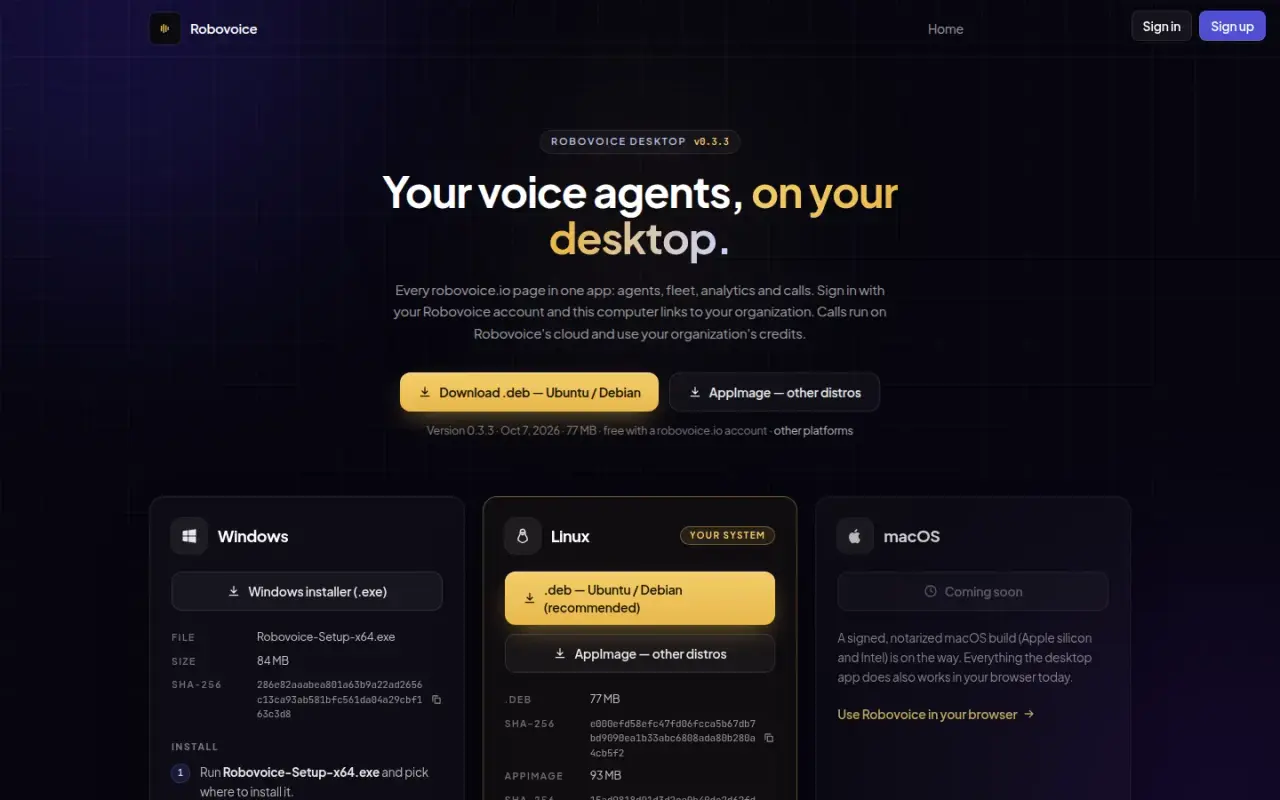
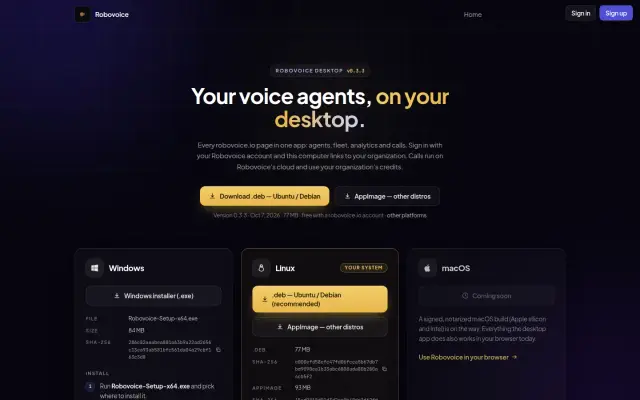
Robovoice Desktop download page
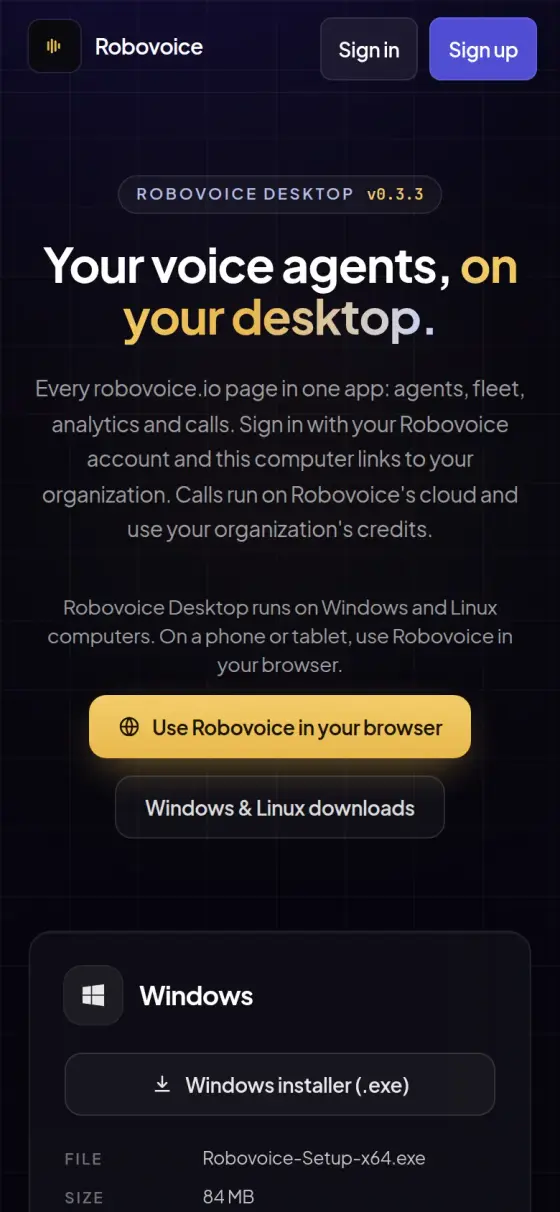
Robovoice Desktop page on a phone
Robovoice
Who it is for
Teams building voice agents who need to choose where each part of a call runs.
The problem
A voice agent must reply fast enough to feel like a conversation, keep working when a provider fails, and sometimes keep audio on the team's own hardware.
What they get
A platform for voice agents where hearing, thinking and speaking can each run in the cloud or on your own machines, with a desktop app for local calls.
0.3.3Desktop release for Windows and Linux
195Server endpoints in the web app
29Pages in the web app
9AI model providers connected
8Programs in the self-hosted stack

The challenge

A voice agent has to hear, think and speak quickly enough to feel like a conversation, and it has to keep doing so when a provider fails or the caller changes language. Teams also want a real choice about where that work runs. Some want a hosted service. Others want audio to stay on their own hardware.

Robovoice treats every stage of a call as replaceable, so an organization can run speech recognition, the language model and speech synthesis on cloud services, on its own machines, or as a mix of both.

The system

We started from CAAL, an open-source voice assistant built on LiveKit Agents, and took it from a single-home assistant to a multi-tenant platform.

Voice agent. A program built on LiveKit Agents runs each call. It selects an AI language model from 9 provider integrations, including Groq, OpenRouter, Gemini, Cerebras and self-hosted Ollama. It routes speech recognition by language, and it can use cloud engines or a self-hosted faster-whisper service. Speech synthesis covers cloud voices such as ElevenLabs and self-hosted engines including Kokoro, Piper, Qwen3-TTS and VibeVoice.

Web platform. A web app gives each organization its agents, call settings, analytics, billing and a fleet view. Clerk handles sign-in and a Neon database holds shared records. Settings apply in order from organization to location to agent, so one agent can behave differently at each site.

Deployment modes. The hosted path runs through LiveKit Cloud. The self-hosted path is one packaged set of programs, with separate setups for machines with or without a graphics chip, Apple computers and systems split across several machines.

Desktop app. Robovoice Desktop links a computer to an organization and lets each agent run in cloud or local mode. In local mode the whole call runs on that computer, and audio does not leave the machine. It detects the hardware, recommends models and handles downloads. A computer can stand alone, serve engines to others as a main, or use another machine's engines as a client.

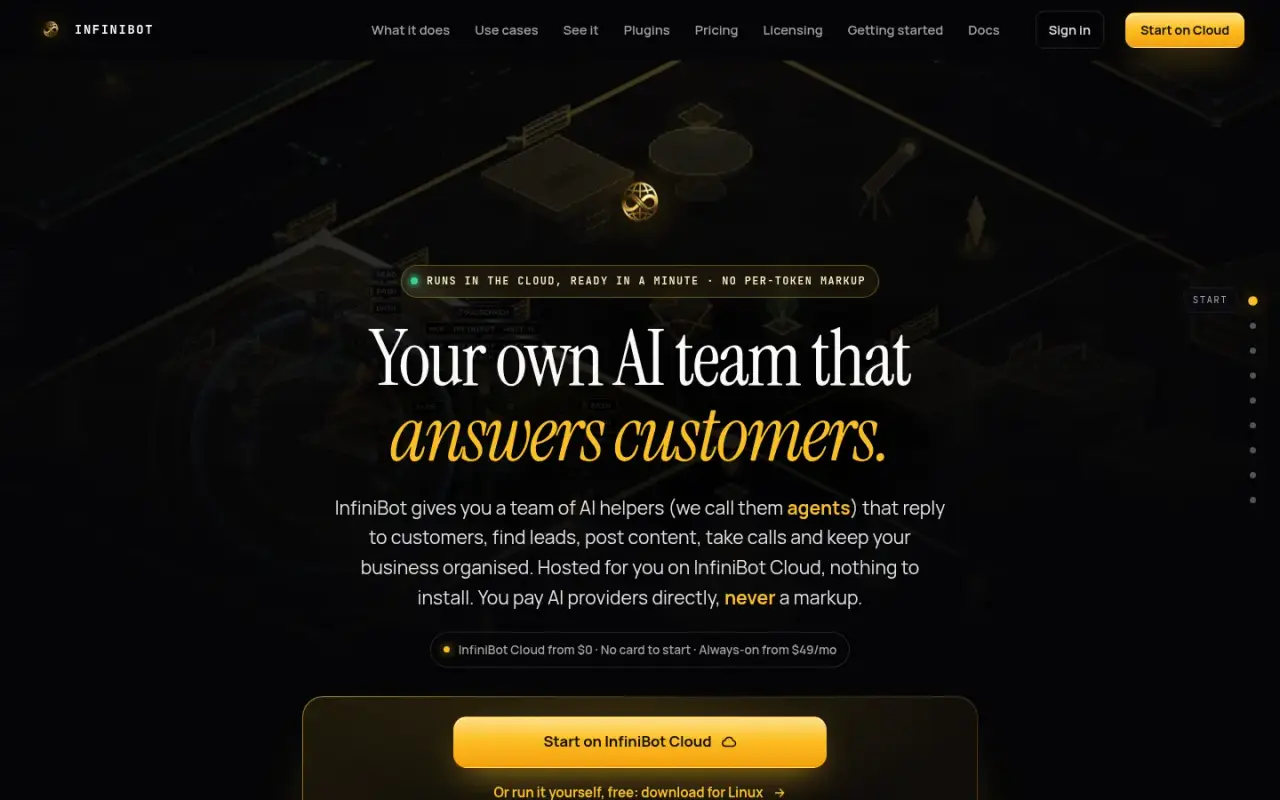
RoboPark, our robotics deployment on this platform, has its own case study.

Outcomes

  • The platform is live at robovoice.io, and Robovoice Desktop 0.3.3 is available there for Windows and Linux, with SHA-256 checksums on the page.
  • 195 server endpoints and 29 pages in the web app, counted from the repository.
  • 9 language model provider integrations, counted from the repository.
  • 8 services in the main Docker Compose stack, counted from the repository.

We do not publish latency, uptime, call volume or customer figures here, because we have not yet verified them against production measurements.

Step by step

How Robovoice works, step by step

This follows one call in the browser. When you see a choice of provider below, it is set per agent, so one agent can use cloud services while another stays on local hardware.

  1. The caller connects

    What happens
    A caller joins from a browser, the desktop app or a device in the fleet.
    Who or what does it
    The caller.
    Why it matters
    People can reach the agent on the device they have.
  2. The platform checks the account

    What happens
    The web platform checks the organization and its credits, places a hold on prepaid credit, and issues a signed pass for the call.
    Who or what does it
    The Robovoice web platform.
    Why it matters
    A call cannot run up costs the organization has not paid for.
  3. Live audio reaches the agent

    What happens
    Audio travels over a live connection through LiveKit to the voice agent, a program that runs the call.
    Who or what does it
    LiveKit, in the cloud or self-hosted.
    Why it matters
    This is the same type of technology used in video calls, built to keep live sound moving.
  4. The agent listens

    What happens
    Speech recognition turns the caller's words into text. It is routed by language, and can use a cloud engine or self-hosted faster-whisper.
    Who or what does it
    The speech recognition engine chosen for that agent.
    Why it matters
    Teams can match the engine to their language, or keep audio on their own machine.
  5. The agent thinks and acts

    What happens
    A language model writes the reply and can call tools, such as MCP tools, n8n automations, web search, knowledge bases or Home Assistant.
    Who or what does it
    One of 9 language model integrations. Linked InfiniBot agents can also fill this step.
    Why it matters
    The agent can do something useful during a call, not only talk.
  6. The agent speaks, with a backup

    What happens
    Speech synthesis turns the reply into a voice. Failover knows which voice model speaks which language.
    Who or what does it
    A cloud voice such as ElevenLabs, or a self-hosted engine such as Kokoro or Piper.
    Why it matters
    This came from a real incident, when replies in one language went silent because a voice model refused that language and every retry failed the same way.
  7. The call settles up

    What happens
    When the call ends, usage is settled against the organization's wallet. Holds can be extended during a longer call.
    Who or what does it
    The web platform.
    Why it matters
    The organization pays for what was used, and a long call does not get cut off by the first hold.

Architecture

How the system fits together

01 / 07 Where calls start

  • CallerOn a browser, the desktop app or a fleet device.→ Web platform · sign-in and token → LiveKit · WebRTC
  • Robovoice DesktopRuns the whole call on one computer in local mode.→ Voice agent · local mode

02 / 07 Robovoice programs

  • Web platformRuns organizations, settings, billing and call passes.→ Clerk → Neon Postgres · credit hold
  • Voice agentThe program that runs each call.→ Speech recognition → Language model → Speech synthesis

03 / 07 Sign-in

  • ClerkHandles secure sign-in.

04 / 07 Stored records

  • Neon PostgresOrganizations, settings and wallets.

05 / 07 Live audio

  • LiveKitCarries call audio, in the cloud or self-hosted.→ Voice agent

06 / 07 Hearing, thinking, speaking

  • Speech recognitionTurns speech into text, cloud or self-hosted.
  • Language modelWrites the reply. 9 provider integrations.→ Tools · tool calls
  • Speech synthesisTurns replies into a voice, with a backup.

07 / 07 Tools

  • ToolsMCP, n8n, Home Assistant and InfiniBot.
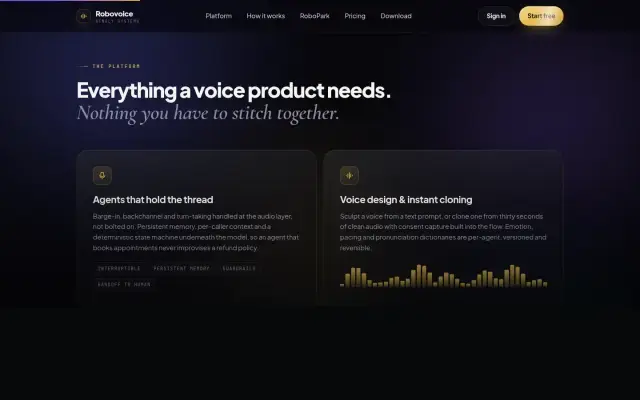
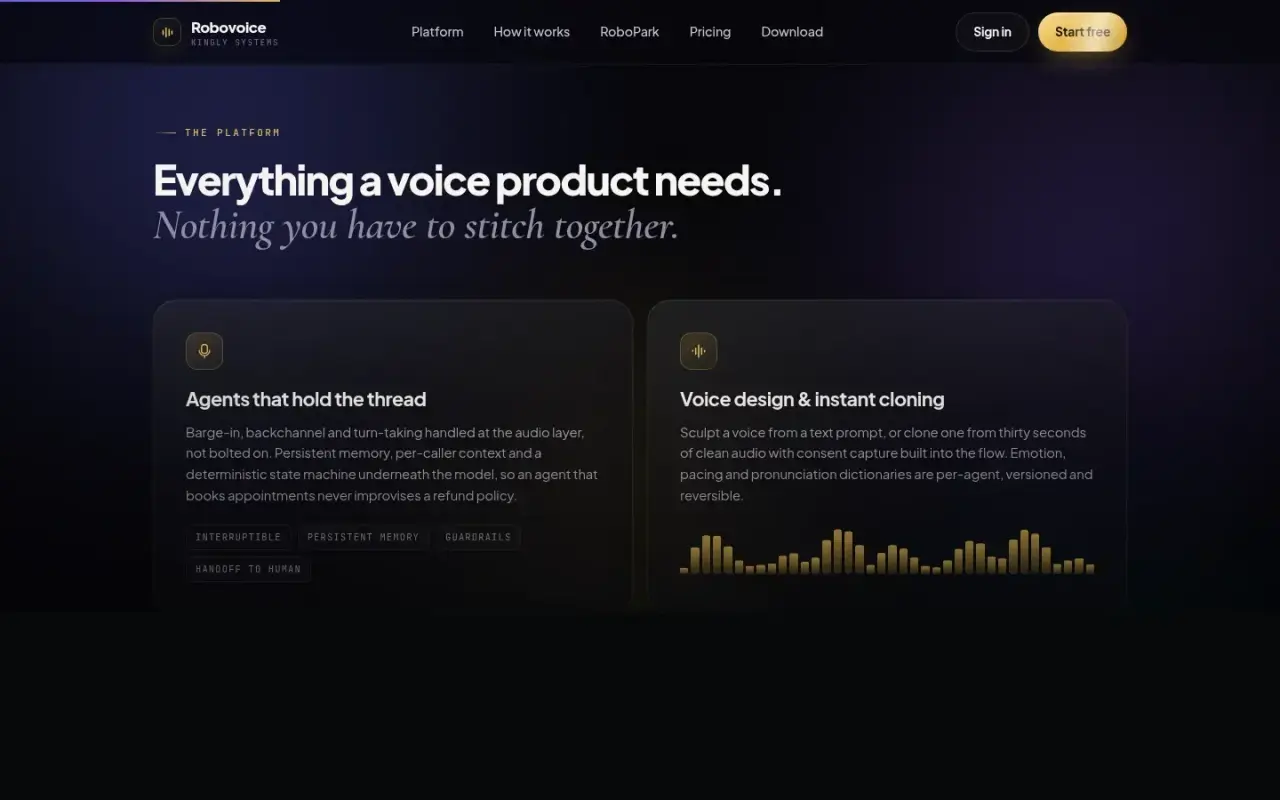
The public platform section. Its copy is marketing text from the live site.

Key features

  • Per-agent pipeline: choose speech recognition, language model and voice separately
  • Language switching during a call, with one consistent voice on engines that support it
  • Voice failover that knows which model speaks which language, so a reply is not lost in silence
  • Optional expressive speech per agent, trading a little speed for emotion
  • Multi-tenant organizations with per-location settings and a fleet view
  • Prepaid credit billing with a hold at call start, extensions during the call and settlement at hang-up
  • Tools through MCP and n8n (ways to connect outside apps), plus Home Assistant control, web search, knowledge bases and wake word detection
  • Link to InfiniBot, so an InfiniBot agent can act as the language model step of a call
  • Robovoice Desktop for Windows and Linux, a command-line edge client, and a Flutter mobile client

Delivery

The repository begins in February 2026. Most of the platform work happened from August to October 2026, with 95 commits in August, 203 in September and 49 in October on the production branch, 361 in total at 7 October. The desktop app reached version 0.3.3, published on 7 October 2026.

Production problems became documented engineering. One example: replies in one language went silent because a voice model refused that language and every retry failed the same way. We built a table of each model's supported languages, added failover, and wrote the incident into the project documentation.

Security & infrastructure

  • Secrets. Platform secrets entered in the dashboard are encrypted, and the system only ever reports whether a value is set. If the encryption key is missing, the save fails and nothing is stored.
  • Service sign-in. The agent's service requires a secret token and can refuse all access if that token is missing. Device rooms on the hosted service need a device key or a signed-in member of that organization.
  • Desktop. The app ships with no server secret. Its local engine gateway accepts tokens derived from that device's key, checks origins and caps request bodies. It opens to the local network only when a user turns that on. The InfiniBot secret sits in the OS keychain.
  • Fail closed on links. A call through InfiniBot needs a live link and the linked organization's own agent, and it bills that organization. Otherwise it does not start.
  • Infrastructure. Netlify, Neon, LiveKit Cloud and Fly.io for the hosted path. Docker and self-hosted GPU servers for local speech. Tailscale for private networking.

What's next or limits

A signed macOS build is listed as coming soon. Phone-line delivery and an embeddable web widget are not in the code we reviewed, so we do not list them as shipped.
Built with

The tools behind it

For technical readers, here is what it runs on. Tap a name to highlight it. The words explained below appear across this page.

What these words mean

Voice agent
Software that holds a spoken conversation.
Speech recognition
Turning speech into text.
Speech synthesis
Turning text into a spoken voice.
Self-hosted
Running on your own machines, not a vendor's.
Failover
Switching to a backup when something fails.
Multi-tenant
One platform serving many separate organizations.
Repository
The stored, versioned code of a project.

Screens

The real thing

Robovoice Desktop download page
Robovoice Desktop 0.3.3 for Windows and Linux, with checksums.
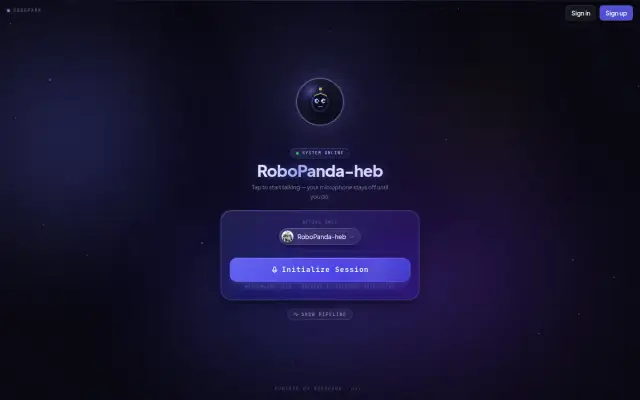
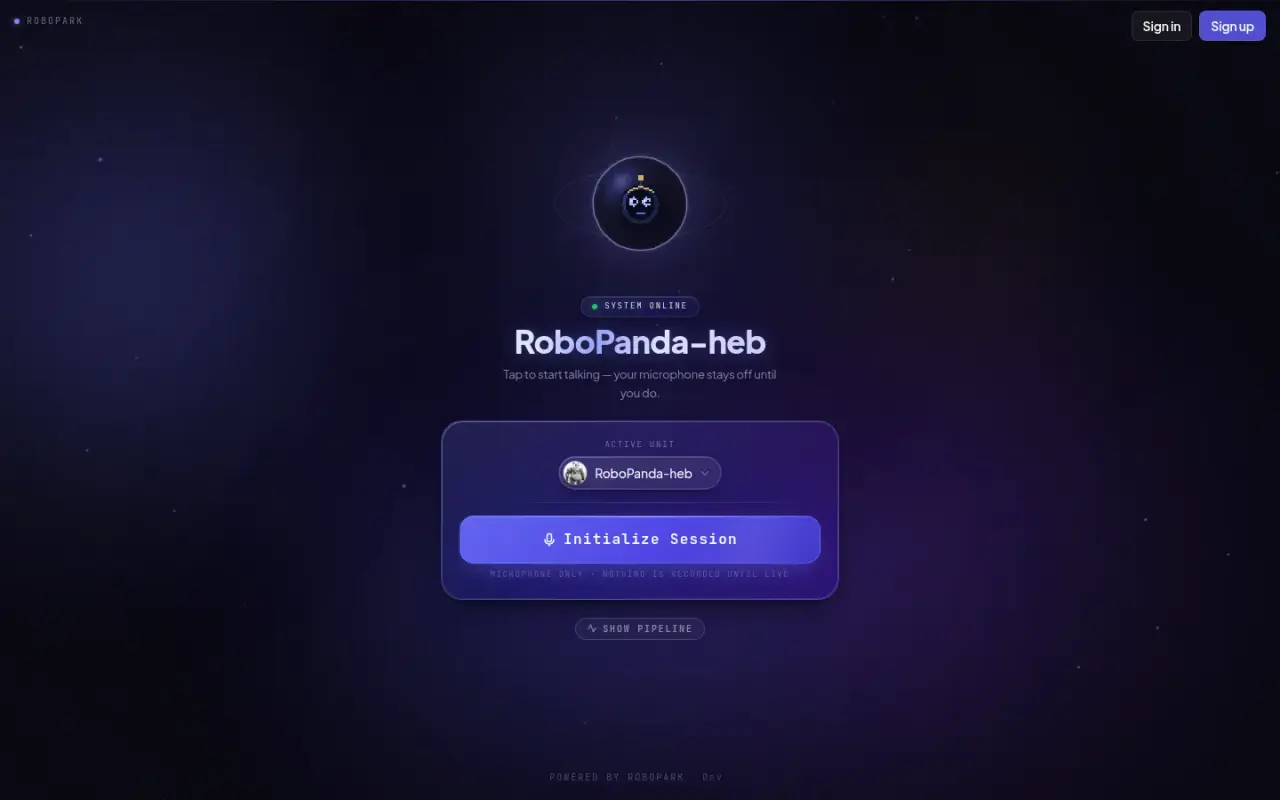
Robovoice browser call screen before a session
The browser call screen, before a session starts.
Two Robovoice platform feature cards for agents and voice design
The public platform section. Its copy is marketing text from the live site.
Robovoice Desktop page on a phone
On a phone, the page points people to the browser version.
100%

Tell us what your business needs to run on.

Answer a few questions and send them to us. We will tell you what we would build, and what you do not need.